 Neto Gregório
Google Keep: The Simple, Effective Tool We All Need
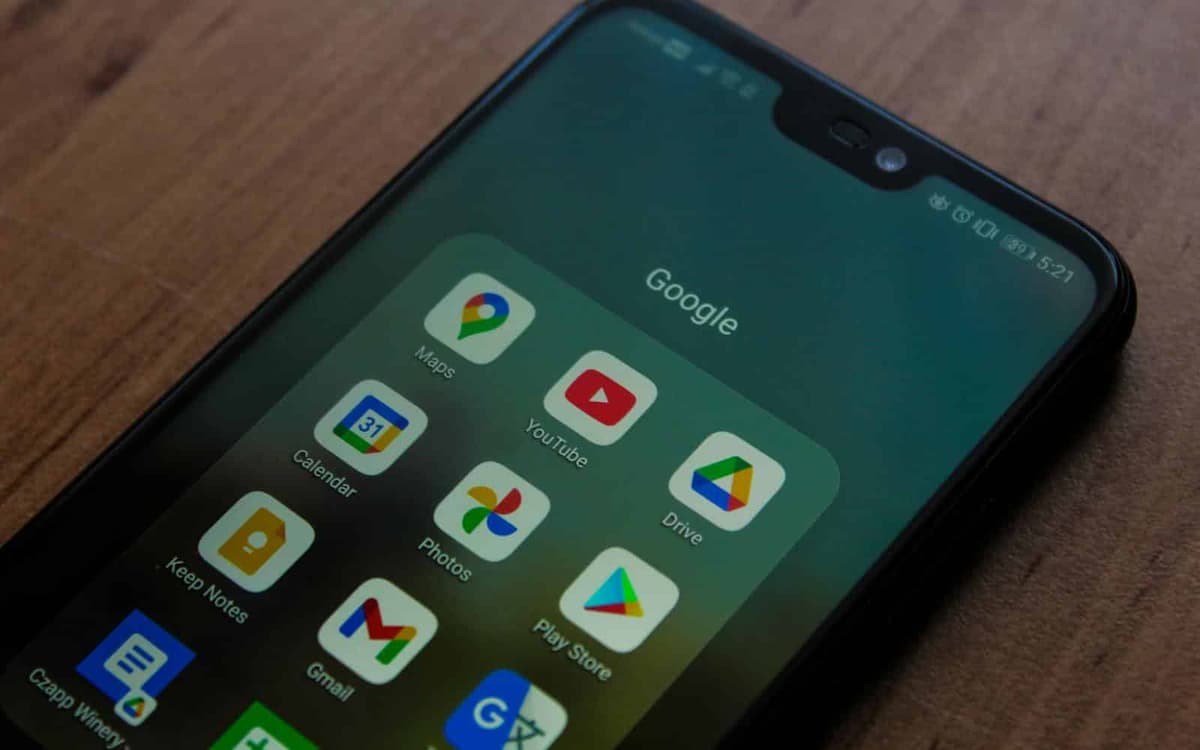
For 10 years, I have been using Google Keep as my primary tool for storing important information, organizing task lists, and even sharing a shopping list with my wife. Since then, it has become one of my essential everyday apps.
Whether on my computer or my iPhone, Keep has always been at hand, ensuring convenience and efficiency. But after so much time using it, is it still worth it? Here is my critical review of this Google tool.
What is Google Keep?
Google Keep is a simple, practical note-taking app launched by Google in 2013. It allows you to jot down ideas, create task lists, make checklists, and add images and audio. With full integration with Google Drive and automatic syncing across devices, it is an excellent option for anyone looking for a fast, accessible tool.
What I like about Google Keep
Simplicity and speed – Keep's minimalist design makes it easy to create and organize notes without any hassle. Unlike more robust tools, it is lightweight and gets straight to the point.
Automatic syncing – Since I use it on both my computer and my iPhone, real-time syncing is indispensable. I edit a note on my phone and immediately see the changes on my desktop.
Efficient sharing – I share my shopping list with my wife, and we can both add or cross off items. This makes everyday life much more organized.
Checklists and reminders – I use Keep for my task lists, and the reminders integrated with Google Calendar are a very useful feature for maintaining productivity.
Google integration – As a user of the Google ecosystem, integration with Drive, Docs, and Assistant further enhances the experience.
Downsides
Lack of advanced organization – Over the years, I have missed having folders or more structured labels to better categorize my notes. Keep does allow color coding and labels, but it is still a limited system for anyone who needs a more advanced level of organization.
Difficulty searching old notes – With 10 years of accumulated notes, finding specific information can be a challenge. The search system could be more refined, with advanced filtering options.
Limited productivity features – Compared to apps like Evernote or Notion, Keep can feel too basic. It is great for quick notes, but it does not replace more robust project management tools.
Final Verdict: Is Google Keep still worth it?
After 10 years of continuous use, I can confidently say that Google Keep remains an excellent option for anyone seeking practicality and agility in organizing notes and lists. It is fast, easy to use, and integrated with the Google ecosystem, making it an indispensable tool in my daily life.
However, if you need a more advanced organization and productivity system, you may need to supplement Keep with other tools. For quick notes, checklists, and daily reminders, it remains unbeatable.
Have you ever used Google Keep? How does it help you in your daily life? Share in the comments!